Capture. Mark. Share.
Take an area screenshot, add an arrow or label, then copy, save, or drag a PNG.
 Skitchlet
Practical guides for capturing a detail, marking what matters, and sending a useful PNG. Written for the free Skitchlet v0.3.0.
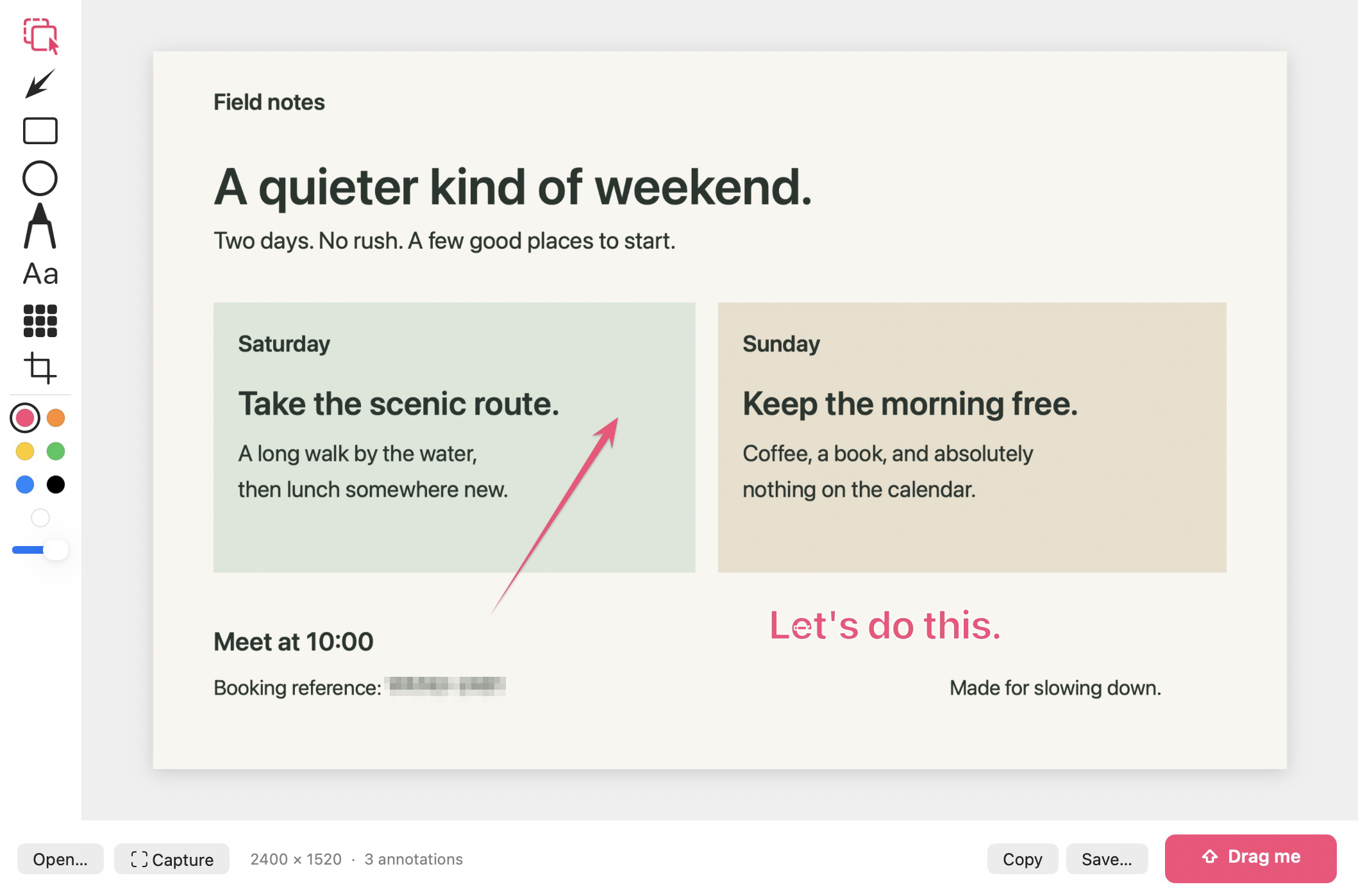
Take an area screenshot, add an arrow or label, then copy, save, or drag a PNG.
Find the right macOS permission and check which Skitchlet copy is running.
Choose useful context and write annotations that tell someone what to do next.
The current download requires an Apple Silicon Mac and macOS 14 or later. It is free to download, with no account or purchase required. Crop and annotations remain editable in the current editor, with local draft recovery. PNGs are flattened; export important work before quitting. Existing projects open for free, but editable project saving requires Pro and is unavailable in this release.
Need help with a specific problem? Visit support. Ready to try the workflow? Download the current release.